
TRAINING
Frequently Asked Questions (FAQ)
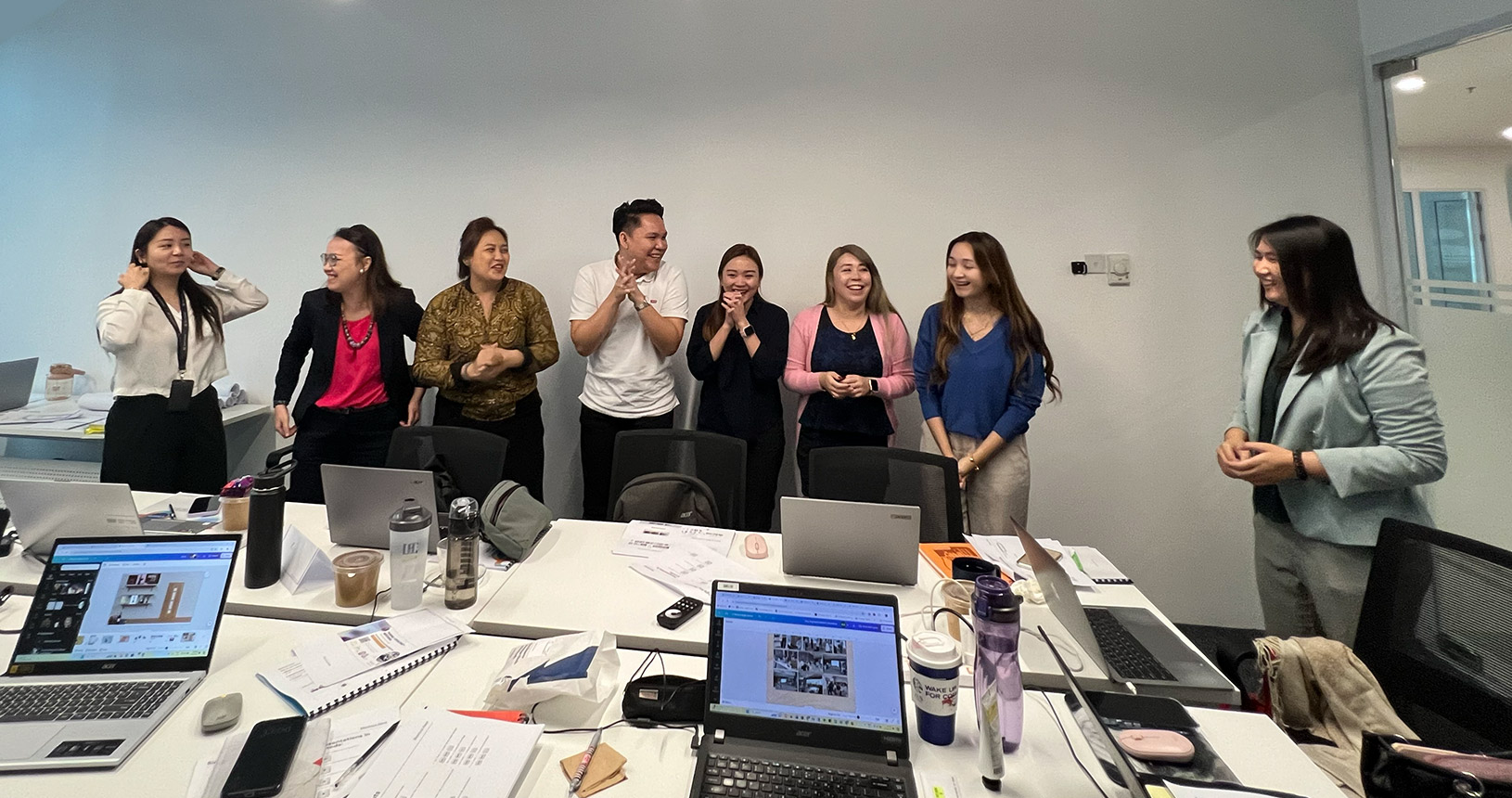
Got questions about our courses?
We hear you!
We’ve gathered the most frequently asked ones to help you get all the details you need before joining.
1Why is the Canva Masterclass conducted over 2 days?
Our 2-day Canva Masterclass is carefully structured to provide in-depth learning and practical industry application. Each day focuses on mastering design principles, applying real-world marketing use cases, and completing hands-on exercises. This ensures every participant gains the confidence and skill set to create impactful visuals that align with real business goals.
2I / my team member doesn’t have confidence in doing design. Is this course suitable for me?
Yes, this course is absolutely suitable for beginners. Trainer Wei Ling will guide you step-by-step on how to design like a professional, from layout and color balance to creating marketing-focused visuals. By the end of the course, you will have the confidence and ability to design creative materials that attract attention and deliver results.
3I / my team member already know how to use Canva and CapCut tools. Should I still attend?
Yes, this course is still valuable even if you are already familiar with Canva and CapCut. The Masterclass goes beyond just tool usage by teaching you industry-standard design practices, marketing insights, and branding strategies. You will learn how to turn ordinary designs into powerful visuals that strengthen brand identity and generate business impact.
4How is this Canva course different from free online tutorials?
Unlike online tutorials that only show basic functions, this Masterclass is trainer-led, structured, and focused on real-world applications. You will learn directly from Trainer Wei Ling, a certified trainer with 18 years of design experience in Singapore. The course includes practical exercises, marketing applications, and personalized feedback that accelerate your growth beyond what online videos can offer.
5Is my company eligible to use the HRD Corp levy for this course? How do we apply for HRD Corp claim?
Yes, this course is HRD Corp Claimable under the SBL-KHAS scheme. Companies that contribute to the HRDF levy are eligible to claim it. Our team will provide all required documents and assist your HR department step-by-step throughout the claim submission process to ensure a smooth experience.
6What should I bring during the course?
Participants is a must to bring a laptop, mouse, and headset (optional) for hands-on learning activities. Most importantly, bring along your passion, curiosity, and eagerness to learn so you can make the most out of the training experience.
7Why can’t I use my mobile phone to learn apps (Canva / Capcut) during the course?
Canva’s mobile app is suitable for light use but offers limited features compared to the desktop version. Using a laptop allows you to explore the full range of professional tools and workflows, which are essential for real design and marketing projects.
8What will I benefit after the training?
After completing the course, participants will receive 30 days of free consultation and follow-up with Trainer Wei Ling. You will also gain the ability to create professional, high-quality designs that elevate your brand presence, improve marketing outcomes, and boost sales performance. In addition, we continuously share updates, articles, and industry insights to help you keep learning and stay inspired even after the training ends.
9I don’t have Pro versions of the software (Canva or CapCut). Can I still attend?
Yes, you can still join the course even without Pro versions. We will help you set up temporary access and show you how to make the most of both free and premium tools. Please contact us for more information and assistance.
10Why is this course different from others in the market?
The courses stand out because it combines practical design knowledge with marketing and branding strategies. You will learn how to create visuals that not only look professional but also effectively engage audiences and increase sales. Learning directly from an expert like Trainer Wei Ling ensures you receive insights and techniques that are immediately applicable to your business.
11When is the next training schedule?
Training sessions are held regularly throughout the year. To check the upcoming dates and available seats, you can contact Trainer Wei Ling directly via WhatsApp for the latest schedule and registration details.
12How can my company apply for in-house training?
Companies interested in organizing in-house Canva training can contact us to discuss customization options. We tailor the course content according to your company’s branding, marketing objectives, and team skill levels to ensure maximum relevance and learning impact.
YOUR SKILL
Explore our available training schedules and find the perfect program to elevate your creative and professional skills


Create Designs That Truly Speak
Transform your brand image with cohesive, high-quality designs and videos that make your business stand out online and offline.

Build Confidence in Your Creative Skills
Overcome self-doubt and gain the confidence to design and edit visuals that make people say, “Wow, you made this?”

HRD Corp Claimable. Learn Without Worry
Your company can fully claim this course under HRD Corp Malaysia, so you can focus 100% on mastering creativity that drives results.

Save Time with Smart Design Techniques
Learn shortcuts, AI tools, and essential tips that help you create professional visuals and videos in minutes, not hours.

Cost-Effective Skill Upgrade
Reduce outsourcing costs by mastering Canva and CapCut within your team. Design in-house without depending on external agencies or freelancers.

Lifelong Learning for Continuous Growth
Invest in a skill that grows with you. Keep up with design and digital trends that future-proof your career.

FREE APPOINTMENT
Deep learning creates lasting skills.
Book your Appointment with us!
Ready to elevate your skills? Schedule a quick chat to get an exclusive look at our upcoming course timetable and offerings. Let's map out the practical insights you will gain and exactly how attending will benefit your daily workflow.